Is SSL Generator really free to use?
Yes. There are no fees, subscriptions, paid plans, or account requirements for the certificate workflow. Create a session, complete domain validation, and download the certificate bundle without paying for the application.
What exactly is in the download ZIP?
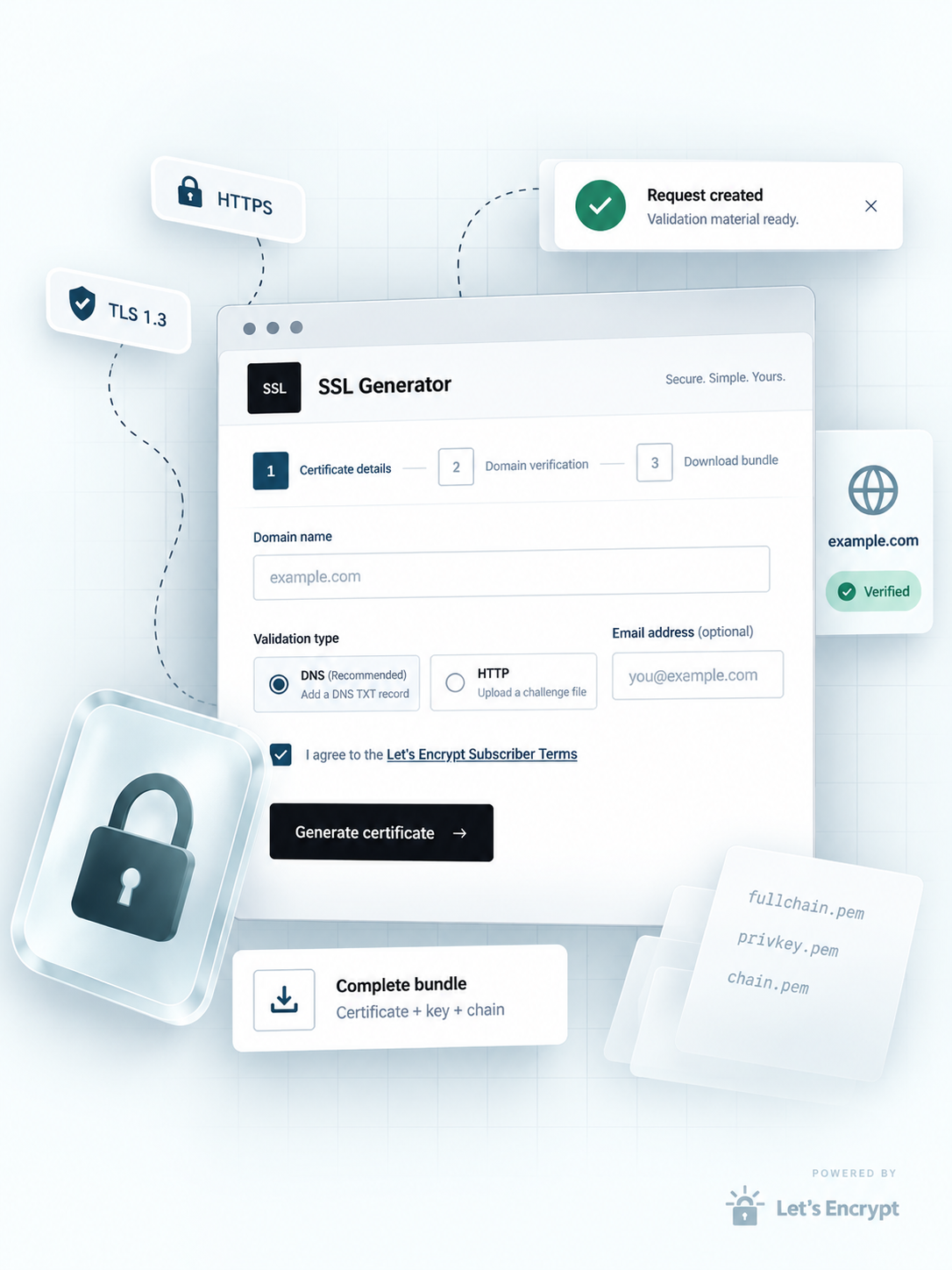
The archive contains five files: the server/leaf certificate, the unencrypted private key, the intermediate CA chain, the issuing root CA, and a combined fullchain file. Most web servers need only the private key and fullchain; the individual parts are included for manual inspection or servers that require them separately.
Do I need to install anything?
No. The generator runs entirely in your browser. You only need a DNS provider or web server capable of serving a file at a well-known path—no agent, no command-line tool, no Python environment. If you prefer automation, the same API is available at /docs.
Can I issue a wildcard certificate?
Yes, for domains like *.example.com. Wildcards require DNS-01 validation because the ACME HTTP-01 method cannot verify a wildcard. The generator will enforce this automatically when it detects a wildcard domain.
How long does a session last?
Sessions expire after a configurable period (default 24 hours). The download link, challenge material, and any generated key are removed at expiry. The session ID is stored only in your browser's sessionStorage, so closing the tab clears the client-side reference without affecting the server-side session.
Is my private key safe?
The key is generated on the server using a cryptographically secure PRNG, written directly into the ZIP, and never logged, stored separately, or transmitted to Let's Encrypt. The session directory uses per-session OS-level permissions. Once downloaded, you are responsible for protecting the private key file—standard server-hardening practices apply.
What happens if Let's Encrypt is slow to respond?
The issuance endpoint polls for up to a configurable timeout (default 10 minutes). If the CA is still processing when the timeout elapses, the endpoint returns a 202 Accepted status. You can retry the same endpoint with the same session ID—no need to create a new order or re-validate.
Can I use this in production?
Yes. The service defaults to Let's Encrypt's staging environment for testing. Set the SSL_ACME_ENV variable to production after verifying your workflow. Production certificates are fully trusted by all major browsers and operating systems.